We recently added the option to work with RSS feeds to spice up your social media content. RSS has been around for over 20 years but it's still pretty unknown — and it holds a lot of power to make your social media feed better.
We recently added the option to work with RSS feeds to spice up your social media content. And although RSS has been around for over 20 years, it's still pretty unknown. However, it holds a lot of power to make your social media feed better. So we thought it made sense to tell you a bit more.
The what and the why of RSS
In full RSS stands for Really Simple Syndication. It's a web technology invented by Dave Winer that was first launched in 1997. RSS first reached scale in 1999, when it was used for building Netscape.
At its core, RSS makes it super easy to read and use content that is shared all over the web. A lot of websites have an RSS component in their source. News websites like De Tijd, The Economist, and HBR.org use RSS to make sure that the content on their site can be read by people in email, social media, and other digital media formats.
And although RSS is mainly used within the news and media industry, other businesses can definitely use it to their advantage too. We noticed that RSS was being underused by quite some of our customers, so we decided to do something about this. In combination with Willow, RSS can now be a real time-saver when building out your social media and creating a relevant content mix that will help you to stand out.
How you can start using RSS for your social media
Our latest software release makes it easy for you to add RSS feeds to Willow. Within our platform there now is a dedicated RSS tab where you can add feeds. Once added, Willow will automatically pull up and visualize the content within our product*.
A couple of use cases to get you inspired:
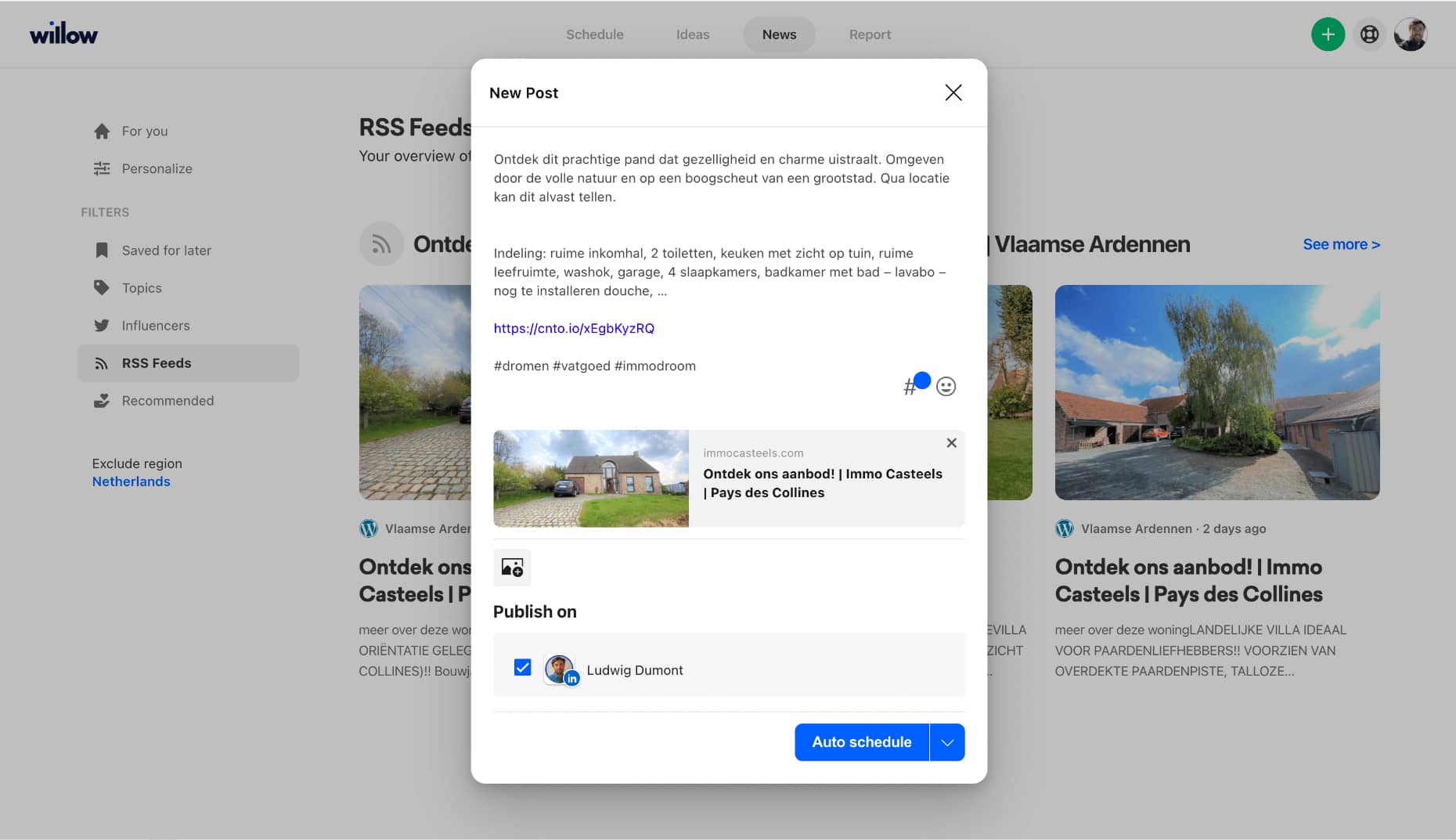
Let's say that you're a real estate agent. You might have a listing page on your website that lists all the properties in your portfolio. By adding the URL of that specific page to the RSS tab within Willow, you'll see all properties within our product. You can then easily plan and share a post of specific listings on your social media channels without having to leave Willow or going to your website ever again. Talking about saving time.
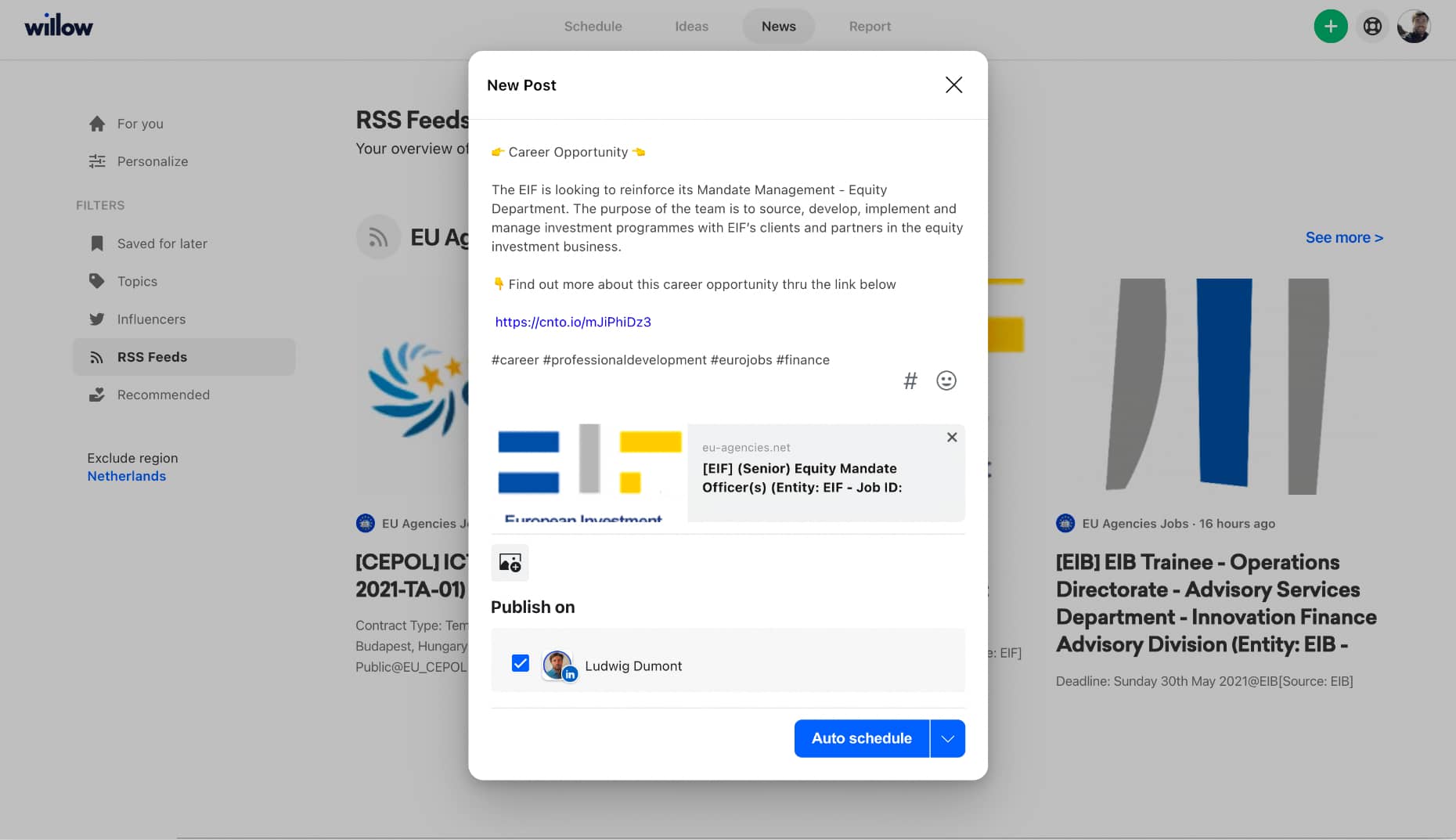
Let's say that you're a staffing and recruitment agency. Chances are pretty real that you have quite some career opportunities on your website. Well, by adding the URL of your career page to the RSS tab within Willow you'll get an overview of all the career opps listed on your website. Making it pretty easy for you to - from one central location - share open jobs on your social media channels.
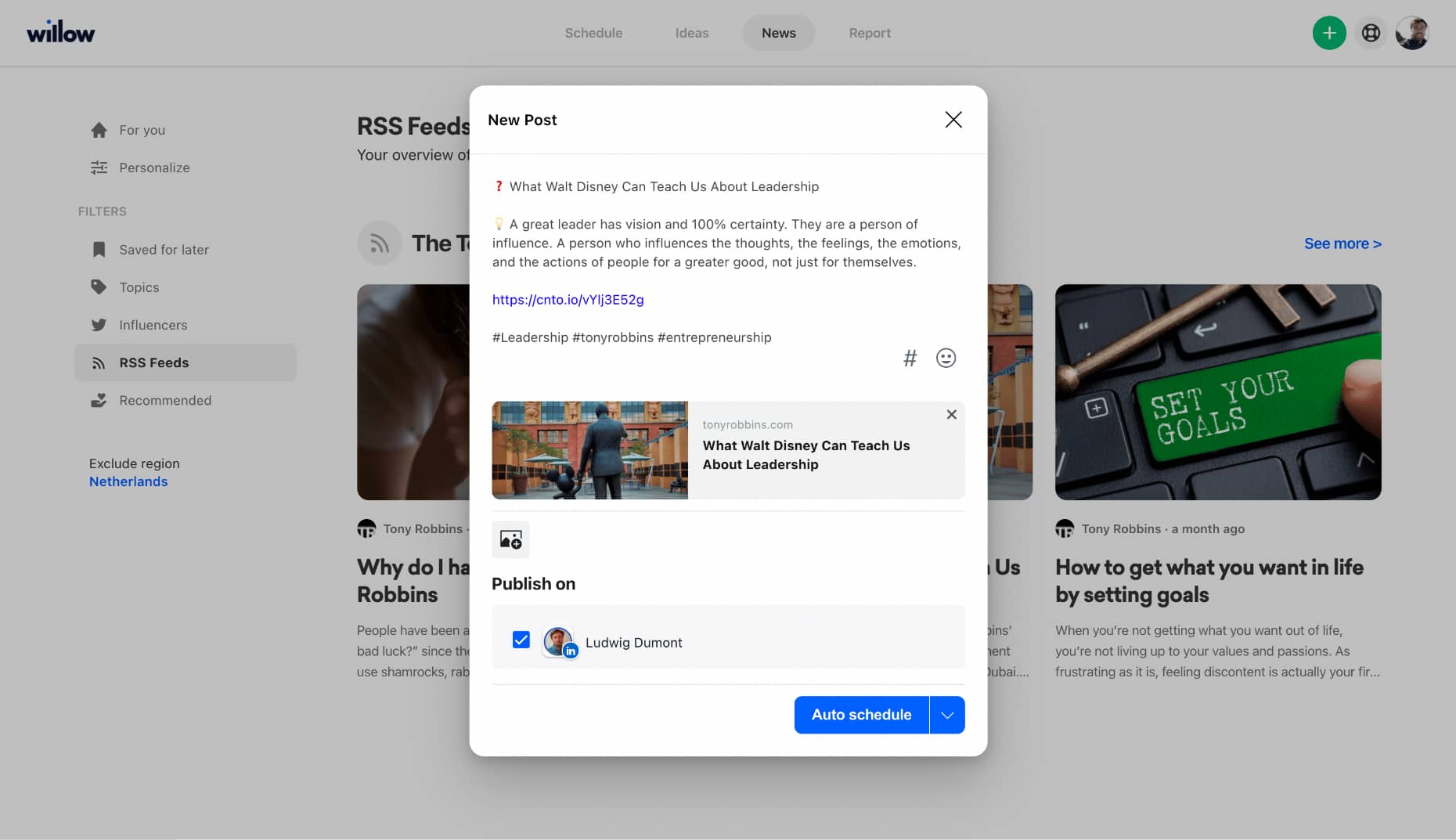
And lastly and more generally. Quite some expertise-driven businesses and entrepreneurs have a 'blog section' on their website with relevant content that might get updated from time to time. As is the case with career pages and listing pages, it's pretty possible that the blog section is RSS compatible. So by adding the URL of your blog page, you can quickly integrate all the content within Willow too.
*Disclaimer:
Most up-to-date websites are fully RSS compatible and website software like WordPress, Squarespace, Drupal, or Wix have RSS components. So if you're website is not RSS compatible yet, it really makes a lot of sense to take care of this. If you're not sure what you can or should do to make your website RSS compatible, feel free to reach out to us too. We'll be happy to help with some tips and tricks.
New in Willow
Curious what other updates we have launched lately?
Check our product updates page and see what we have been working on to make Willow better for you and many others.
Have you not tried Willow yet? No worries, we give you Willow's platform 14 days for free so you can see how you can add your RSS feed to your social media posts!